What is Optical Character Recognition (OCR)?
Upstage Document OCR is designed to efficiently detect and recognize text from a wide range of document images, ensuring high accuracy and versatility across various languages and image qualities.
What models does Upstage provide?
The table below lists models currently available as an API. Upstage provides stable aliases that point to specific model versions, allowing you to integrate once and automatically benefit from future updates. We recommend using aliases instead of hardcoding model names, as models can be frequently updated.
| Alias | Currently points to | RPS (Learn more) |
|---|---|---|
| ocr | ocr-260930 | 3 |
Test High-Accuracy OCR in the Playground!
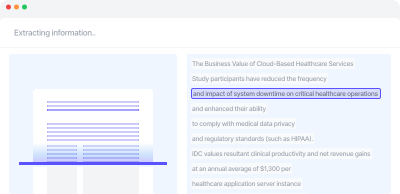

Understanding model output
Robustness on real-world documents
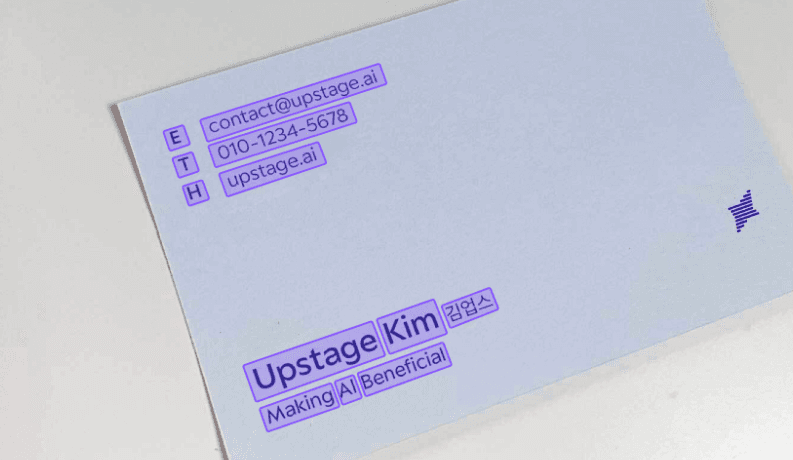
Our OCR model is designed to provide robust performance in various document processing scenarios, including rotated images, watermarks, noise, and checkboxes. It accurately detects and recognizes text by training on a high-quality dataset that covers a wide range of scenarios. The model's ability to accurately detect the upper-left corner of word boxes in rotated documents, as well as its ability to ignore watermarks and checkboxes during training, ensures that only meaningful text from the document is extracted. This makes it an ideal solution for businesses and individuals seeking accurate and efficient document processing capabilities.
Utilizing confidence score
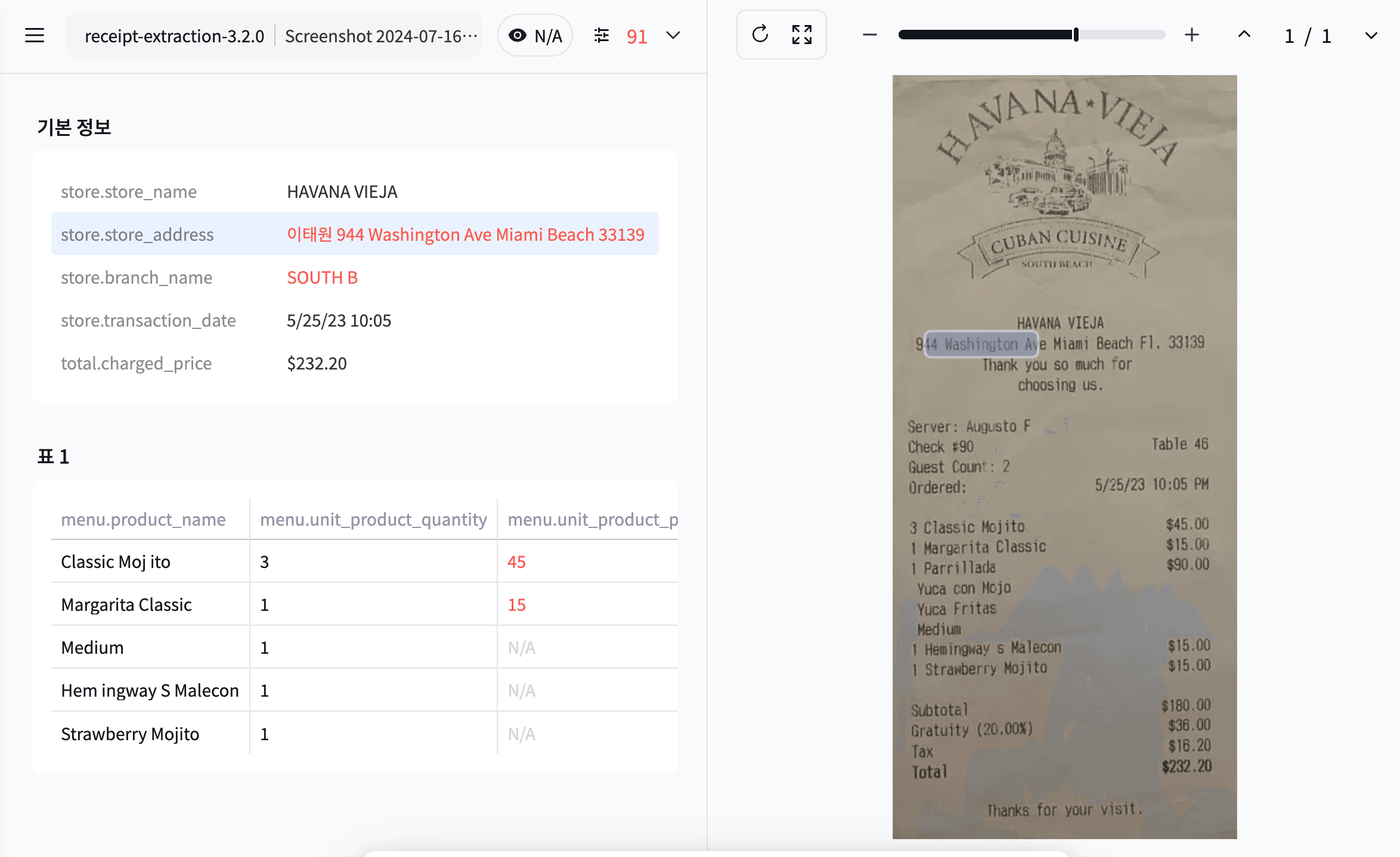
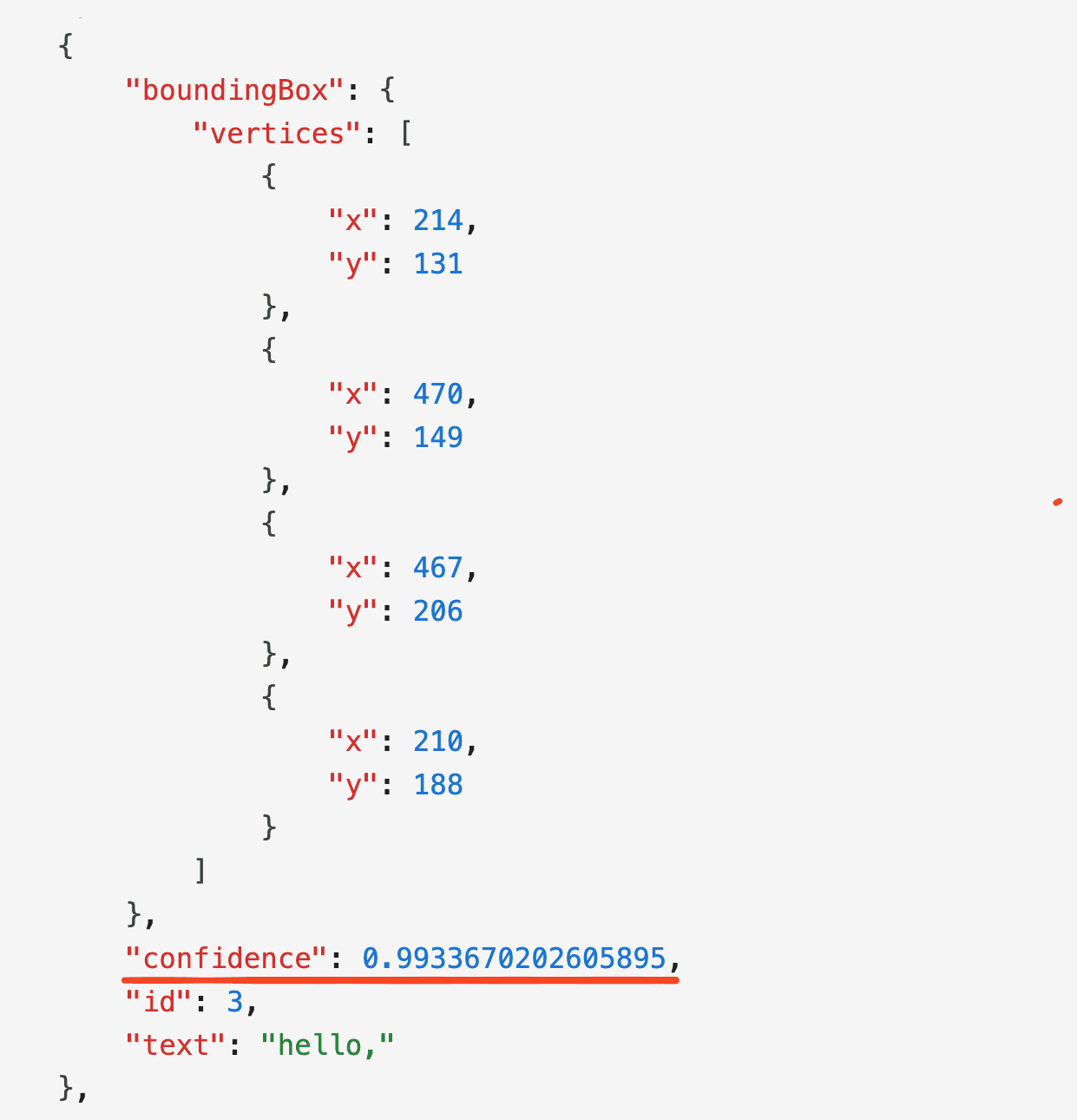
Upstage OCR generates a confidence score that measures the likelihood of the recognized text being correct during the character recognition process. This score helps to indicate the accuracy of the OCR system's output. The score is initially created at the character level but is calibrated at the word level to make it more useful for applications. The confidence score can be used to visualize or verify the recognized content, with lower scores highlighting areas that require closer inspection or filtering. This process helps assess the reliability of extracted text and determines if additional verification is needed, ultimately enhancing overall accuracy and user trust.
Requirements
- Supported file formats: JPEG, PNG, BMP, TIFF, HEIC, WEBP, PDF, DOC, DOCX, PPT, PPTX, XLS, XLSX, CSV, TSV, HWP, HWPX
- Maximum file size: 100MB
- Maximum number of pages per file: 100 pages (Files exceeding 100 pages are rejected with a 413 error)
- Maximum pixels per page: 200,000,000 pixels. For non-image files, the pixel count is determined after converting to images at a standard of 150 DPI.
- Supported character sets: Alphanumeric, Hangul, and Hanja are supported. Hanzi and Kanji are in beta versions, indicating that they are available but not fully supported.
- Text size: Optimized for text size that is approximately under 30% of the page size. Examples that don't meet these standards are considered bad examples, and could result in a response error.
Hanja, Hanzi, and Kanji are writing systems based on Chinese characters used in Korean, Chinese, and Japanese writing systems. Despite sharing similarities, they possess distinct visual representations, pronunciations, meanings, and usage conventions within their respective linguistic contexts. For more information, see this article.
Example
Request
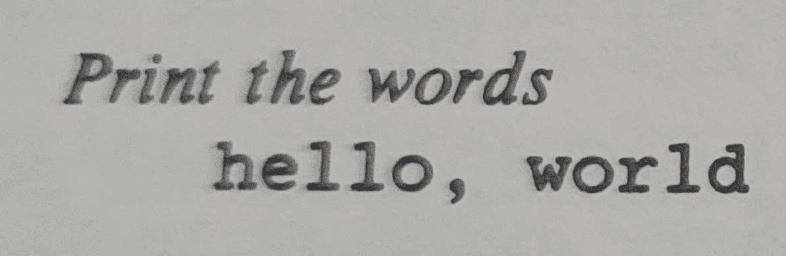
Response
Test High-Accuracy OCR in the Playground!
Frequently Asked Questions
Check out frequently asked questions below. For more FAQs, visit the FAQ page.